 RetroWorld
Doodle Pad
Doodle anything. Undo everything. Save the good ones.
About Doodle Pad
A drawing pad for mouse, pen or finger, with four brush sizes, a warm palette, an eraser and a brush that paints the four-colour stripe. Turn on Mirror for symmetrical doodles, undo up to sixty steps, and save your picture as a PNG.
A free drawing pad online that works with a mouse, a stylus or a finger. Lines are smoothed as you draw, and the Stripe brush lays down orange, mustard, teal and ink bands that follow every curve.
Mirror copies each stroke onto the other half of the page, which makes faces, butterflies and patterns easy. Save picture downloads a PNG with a small retroworld.fun mark in the corner. Nothing is uploaded.
Ways to use it
- Keep little ones busy with Mirror, drawing butterflies and faces that come out symmetrical.
- Doodle slowly before bed to wind down without scrolling through anything.
- Sketch a quick diagram or map to explain an idea in class.
- Draw a birthday card, save the picture and send it straight to a friend.
Questions
Does Doodle Pad save my drawing?
Not automatically. Your drawing stays while the page is open, so tap Save picture to download it as a PNG before you close or reload.
How many times can I undo?
Up to sixty steps, and a clear counts as one, so an accidental clear can be undone. On a keyboard, Ctrl or Cmd with Z undoes and adding Shift redoes.
Can I draw with my finger or a stylus?
Yes. It works with a finger on a phone or tablet, a stylus, a mouse or a trackpad. Pressure isn't used, so every line keeps an even width.
More activities
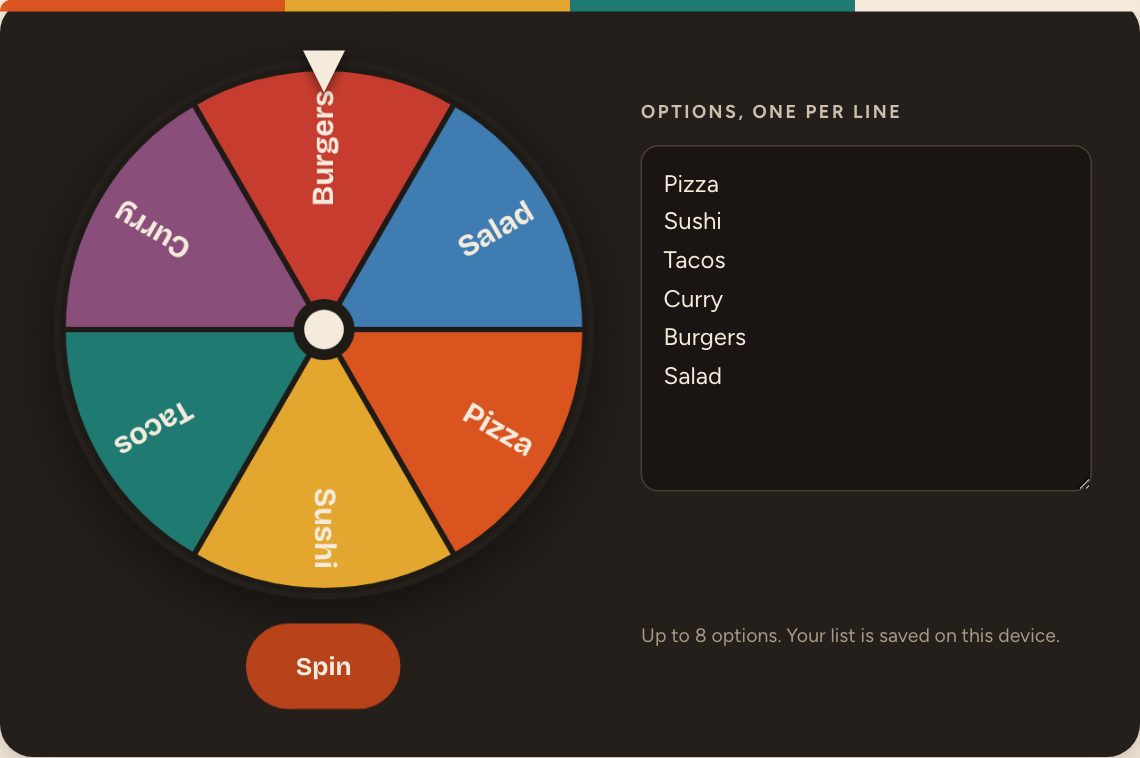 Decision WheelCan't decide? Type the options, spin, obey.
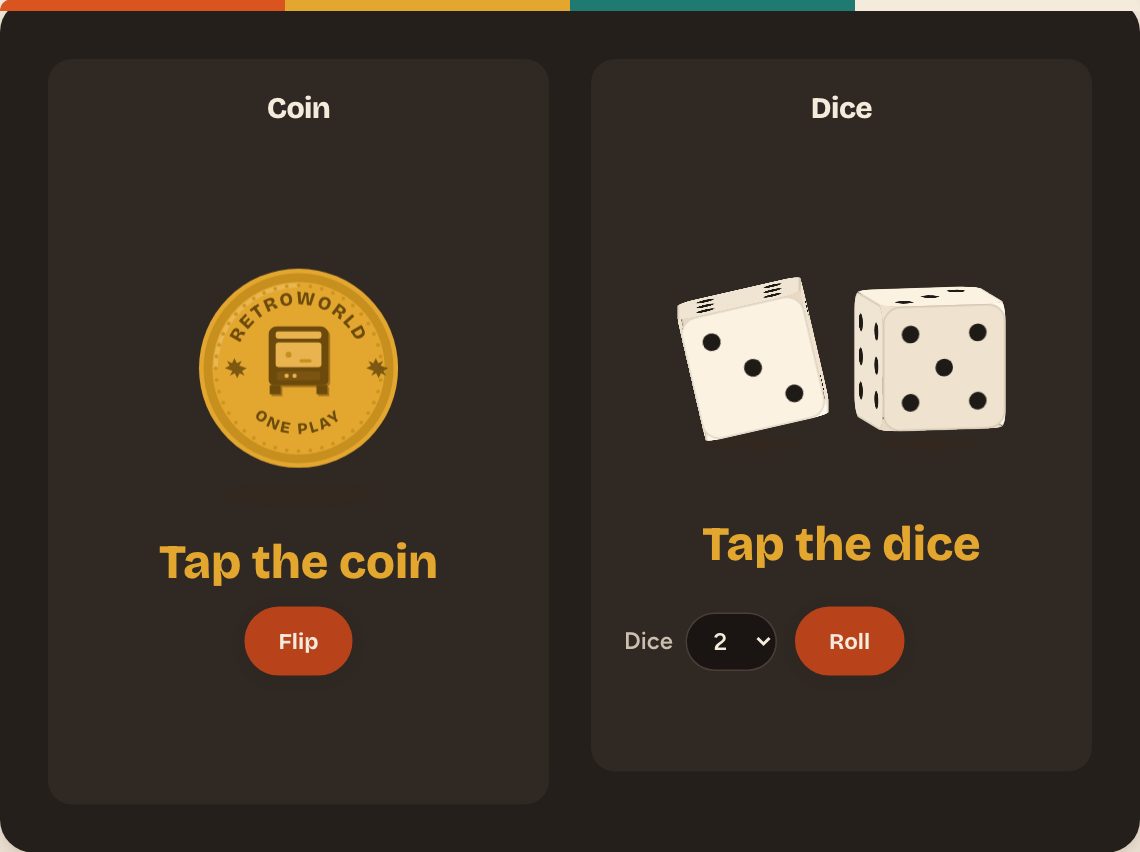 Dice & CoinFlip a coin or roll up to six dice. Instantly.
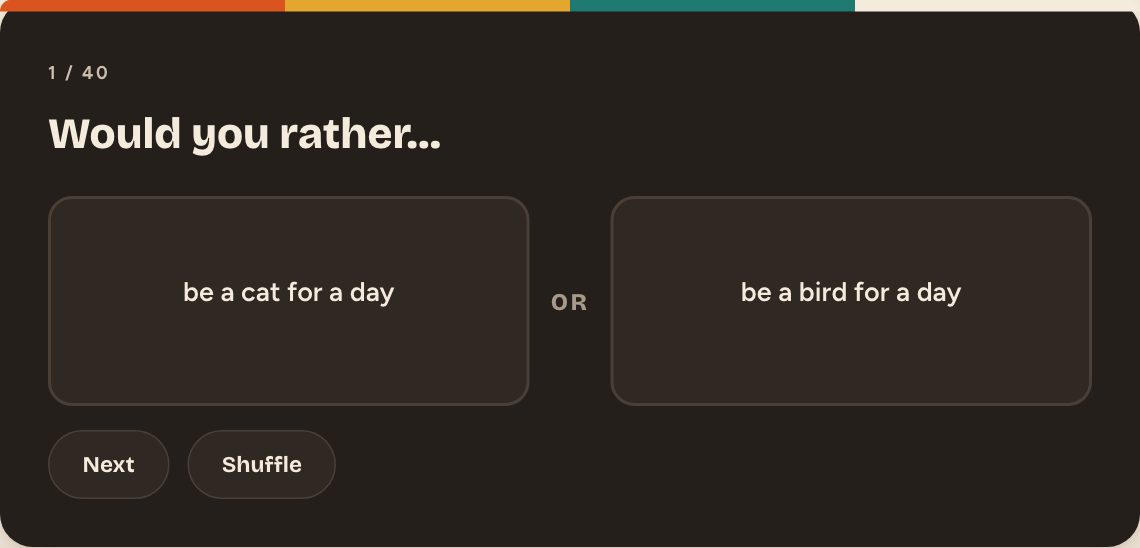 Would You RatherForty impossible choices. Pick a side, see the split.
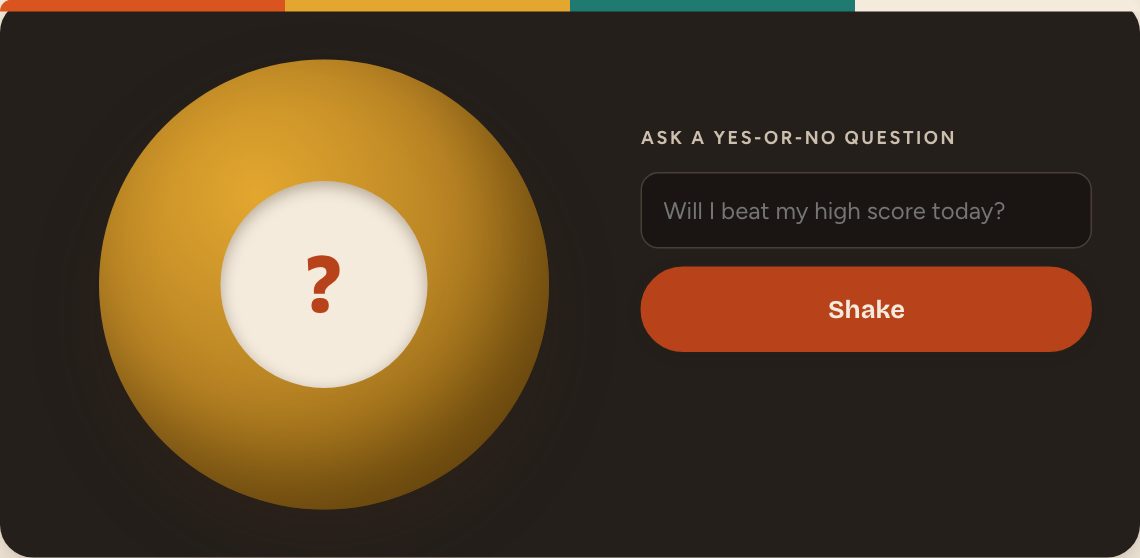 Fortune BallAsk a yes-or-no question. Shake. Accept your fate.
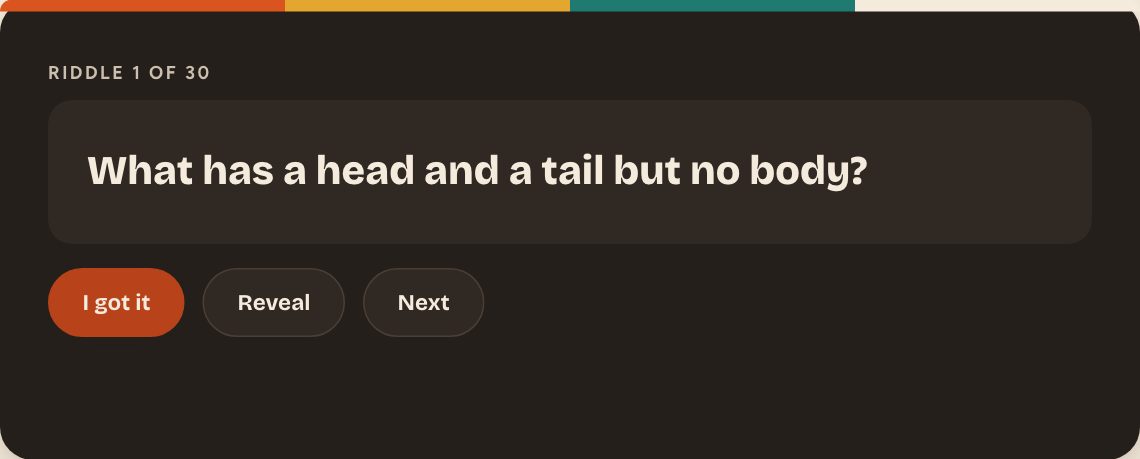 Riddle MeThirty riddles. Reveal the answer only when you give up.
 Quick TriviaTen questions, four options, a timer that judges you.
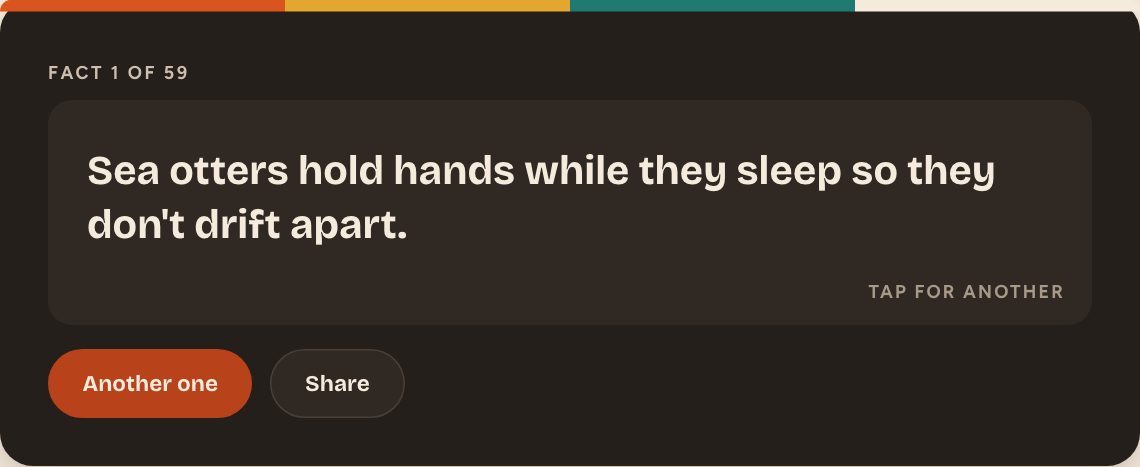 Fun FactsOdd, true things you didn't know. One tap for the next.
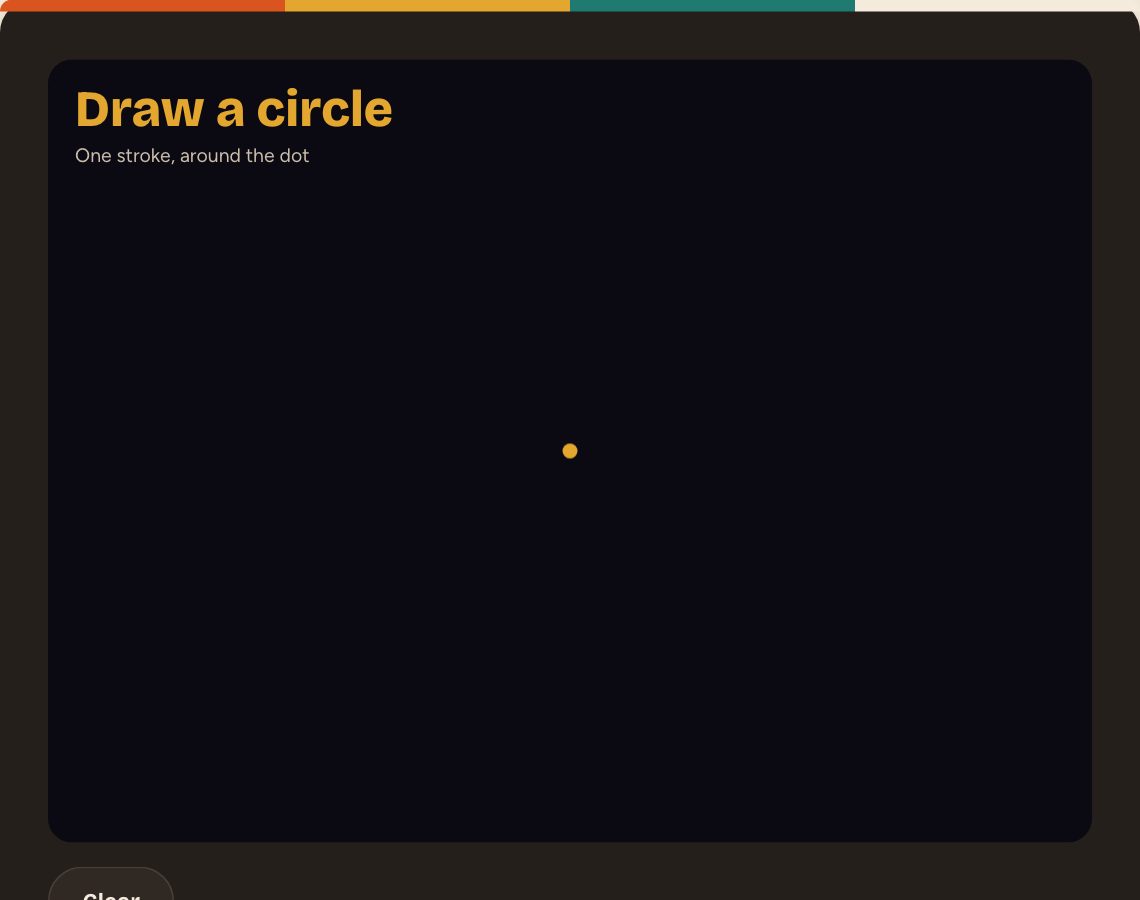 Perfect CircleDraw a circle by hand. Get scored. Try again forever.
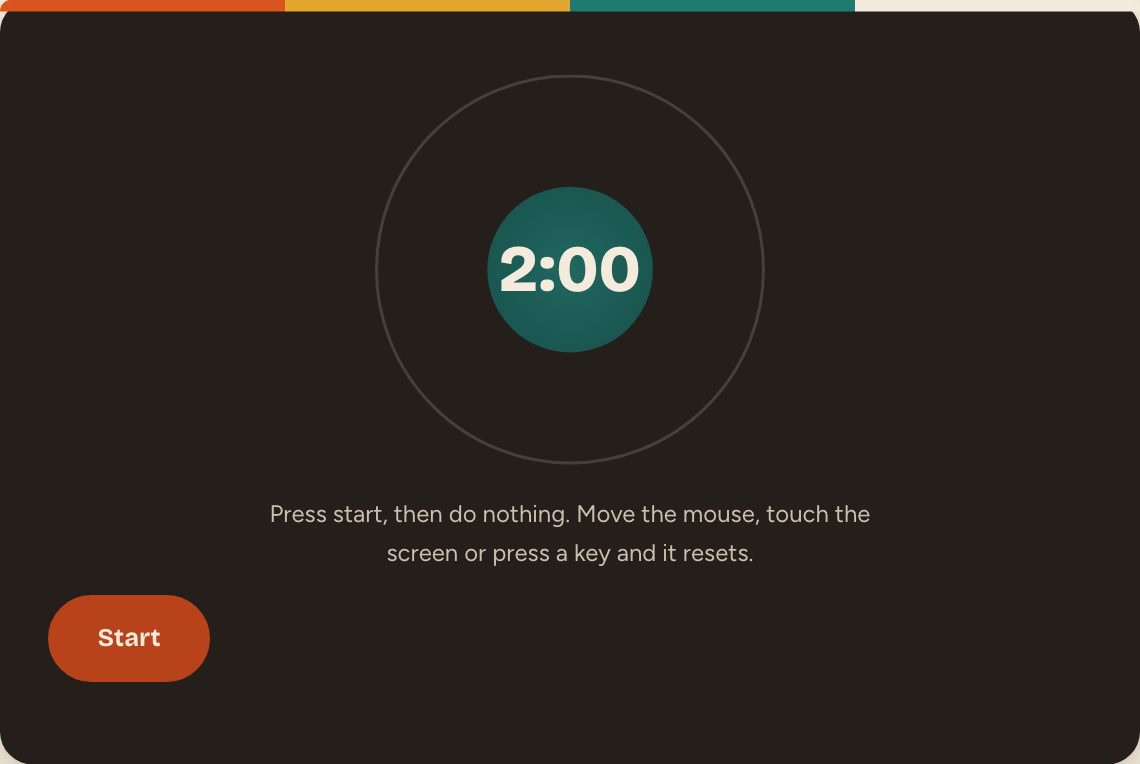 Do NothingTwo minutes of nothing. Move the mouse and you start again.
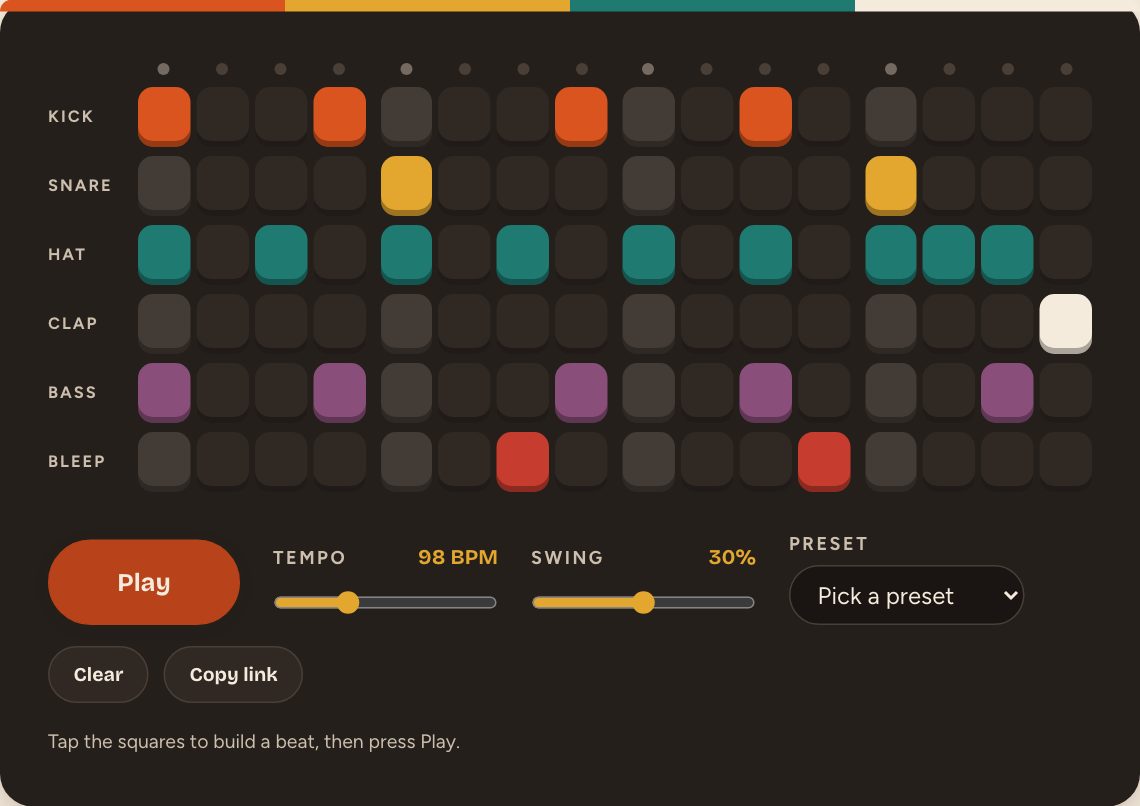 Beat MakerSixteen steps, six sounds. Tap out a beat and press Play.
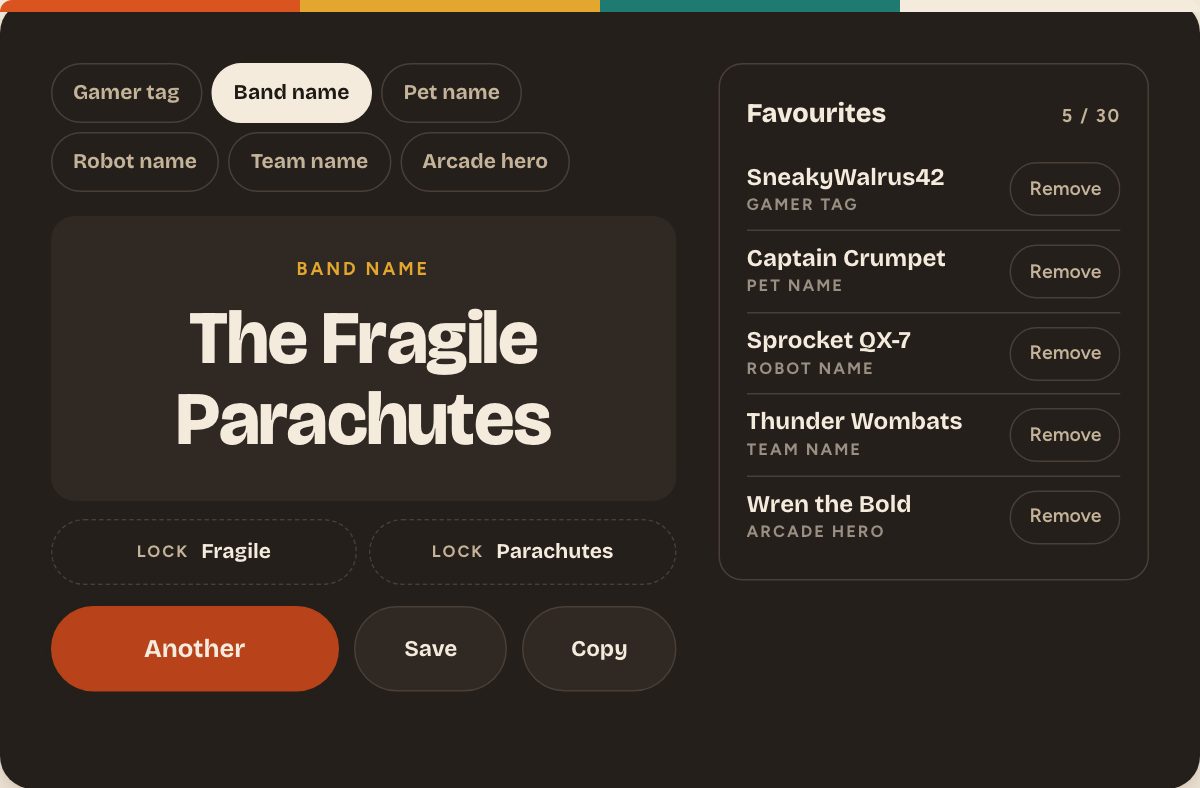 Name GeneratorGamer tags, band names, pet names and more. Roll till one sticks.
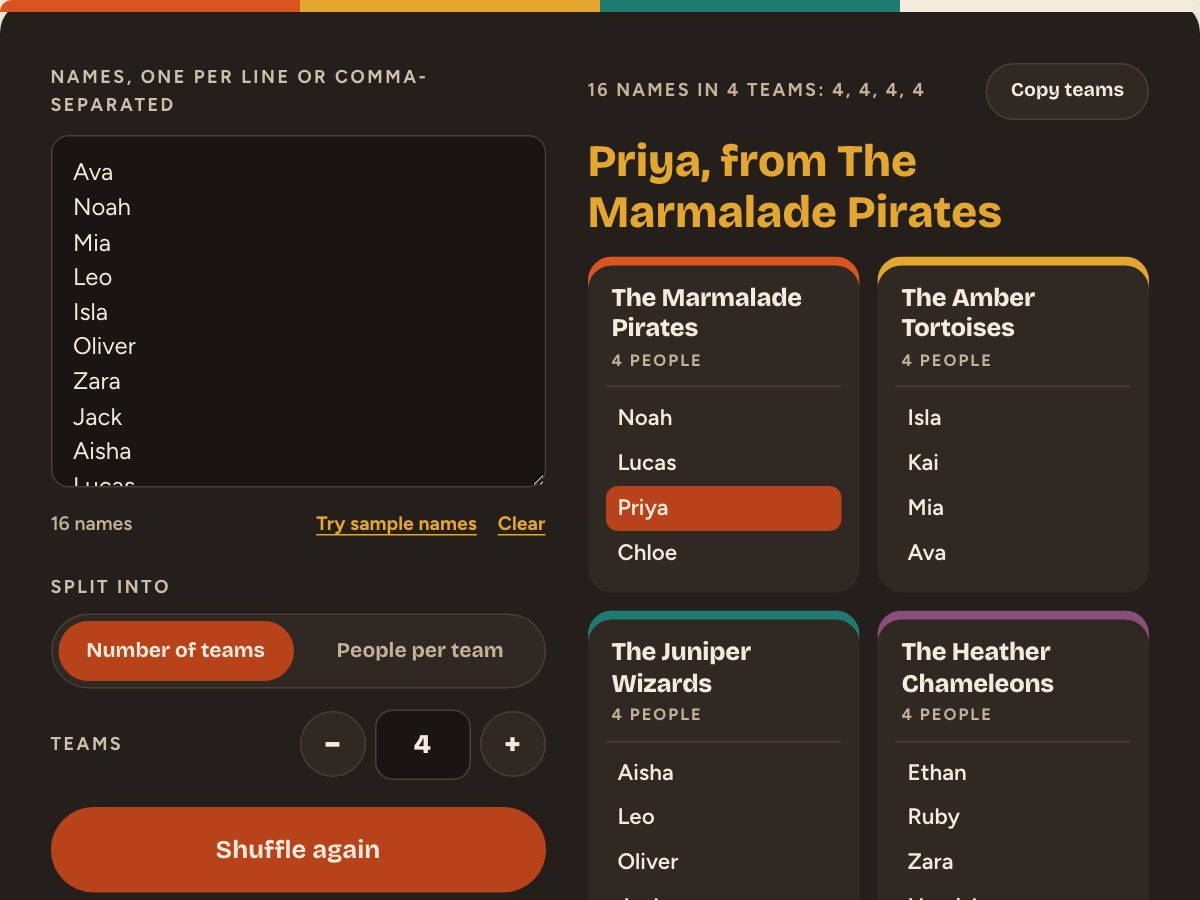 Team PickerPaste the names, pick the teams, shuffle. Fair every time.
Nothing here matches that.